

Open the panel
The portal lives on the merchant’s own storefront domain: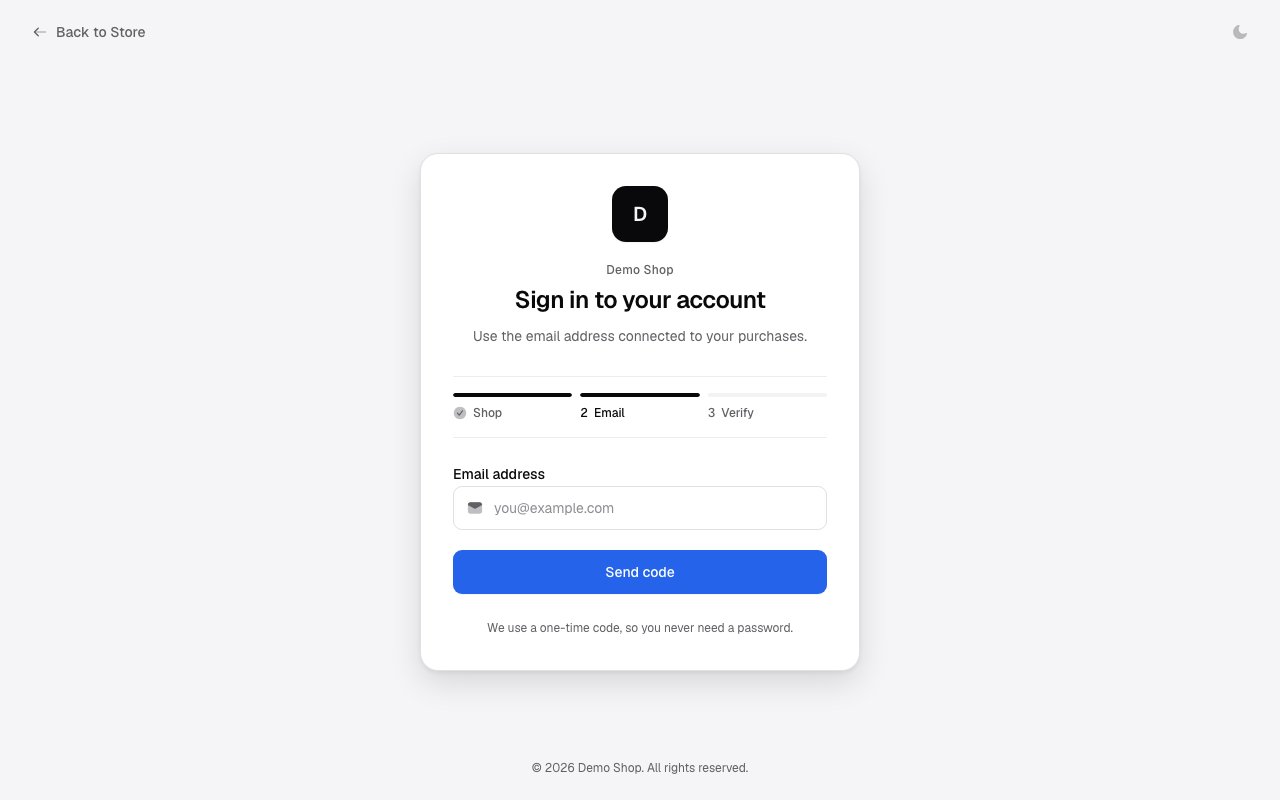
The Reseller tab appears when the merchant’s program is enabled and enrollment is set to
Open or Application, or when you already have a reseller relationship with the
store. Invite-only programs stay hidden — invited resellers arrive through the link in
their invitation email.
Tier and balance
The top of the panel shows your wholesale tier with its discount, your lifetime totals, and your prepaid reseller balance. Wholesale orders are paid from this balance — top it up with Add funds before ordering. Funds on hold belong to orders that are still being fulfilled.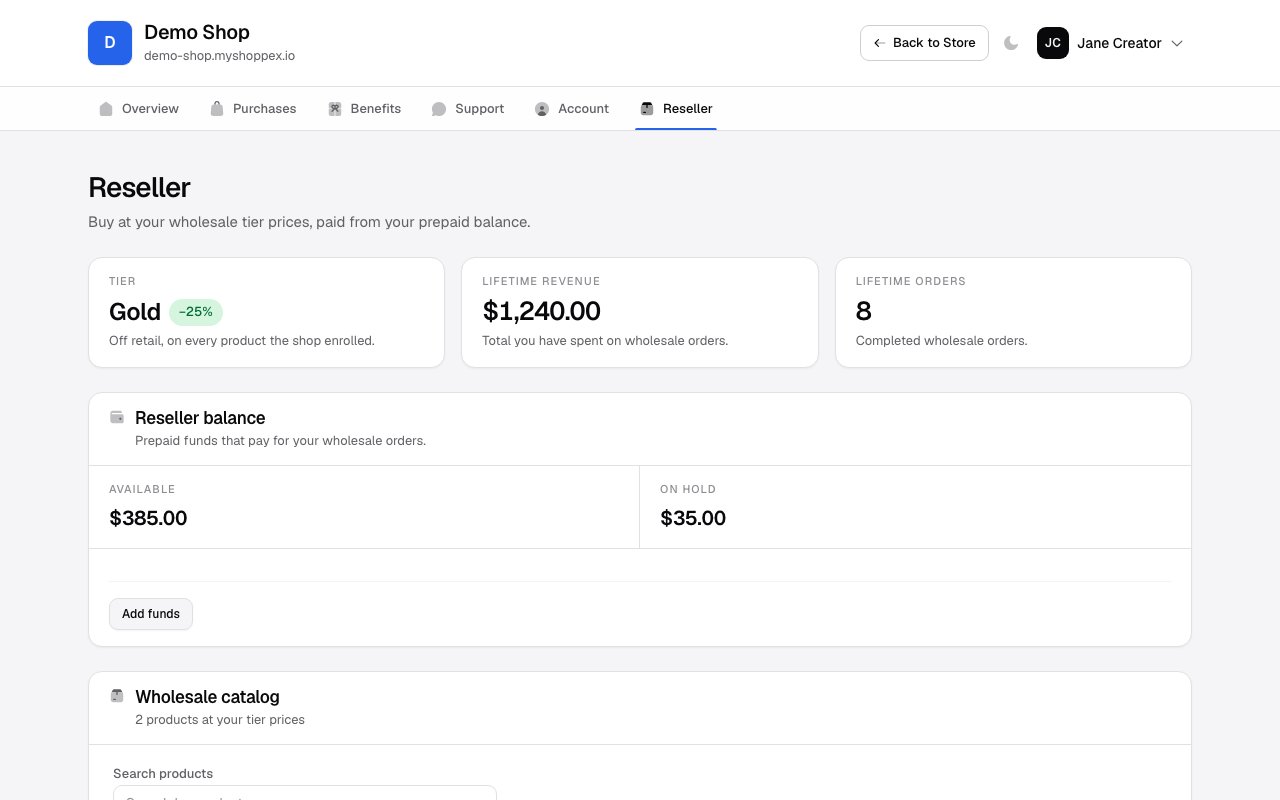
Buy at wholesale prices
The Wholesale catalog lists every product the merchant enrolled, at your tier price next to the struck-through retail price. Pick quantities and place the order — it is charged to your balance immediately, with no checkout step.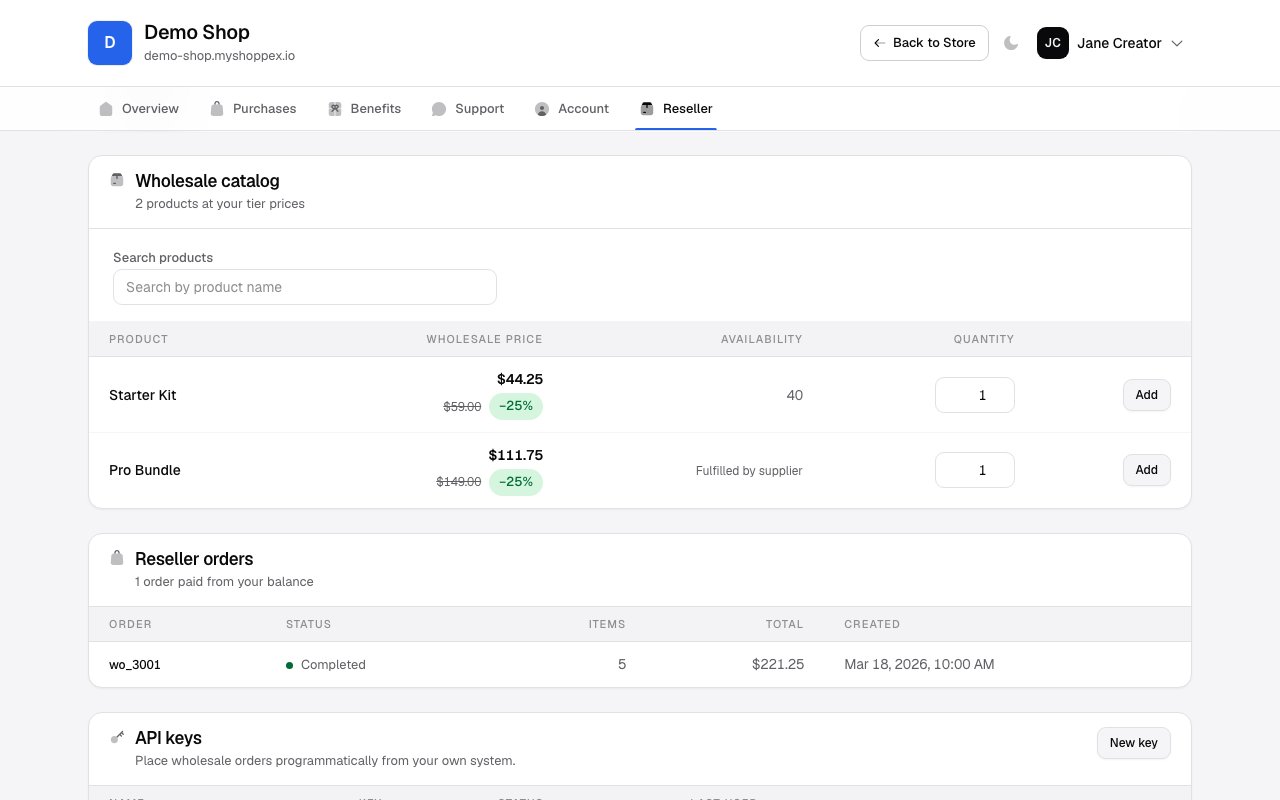
- Fulfilled by supplier rows carry no local stock; the supplier delivers them as part of your order.
- If part of an order cannot be supplied, the unfilled amount is refunded to your balance automatically.
API keys
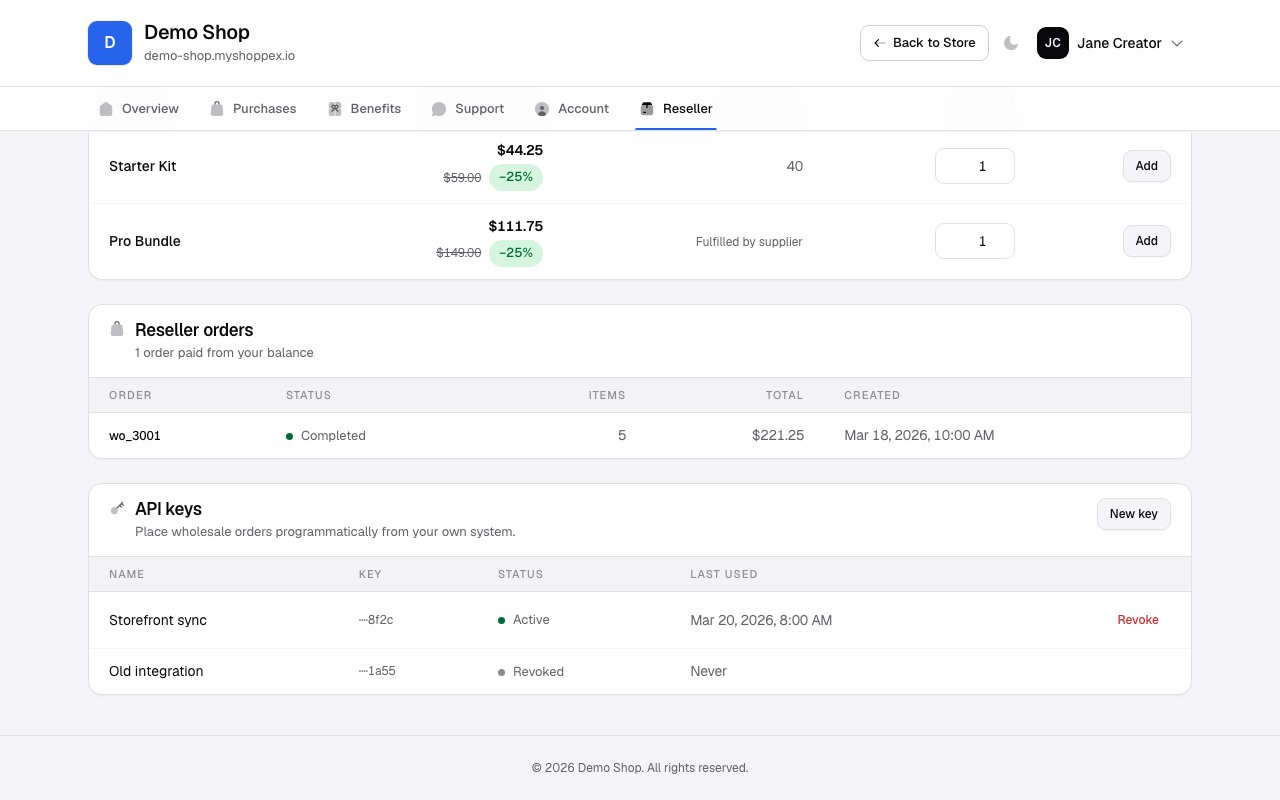
The API keys section issues credentials for the Reseller API — the machine interface to the same catalog, balance, and ordering operations. Keys are prefixedshxr_, shown once at creation, and you can hold up to 5 active keys. Revoking
a key is permanent.
Selling on your own Shoppex store? You do not need the API for fulfillment: connect your
product to the supplier’s product in your dashboard and each sale places the wholesale
order automatically. See Dynamic delivery.